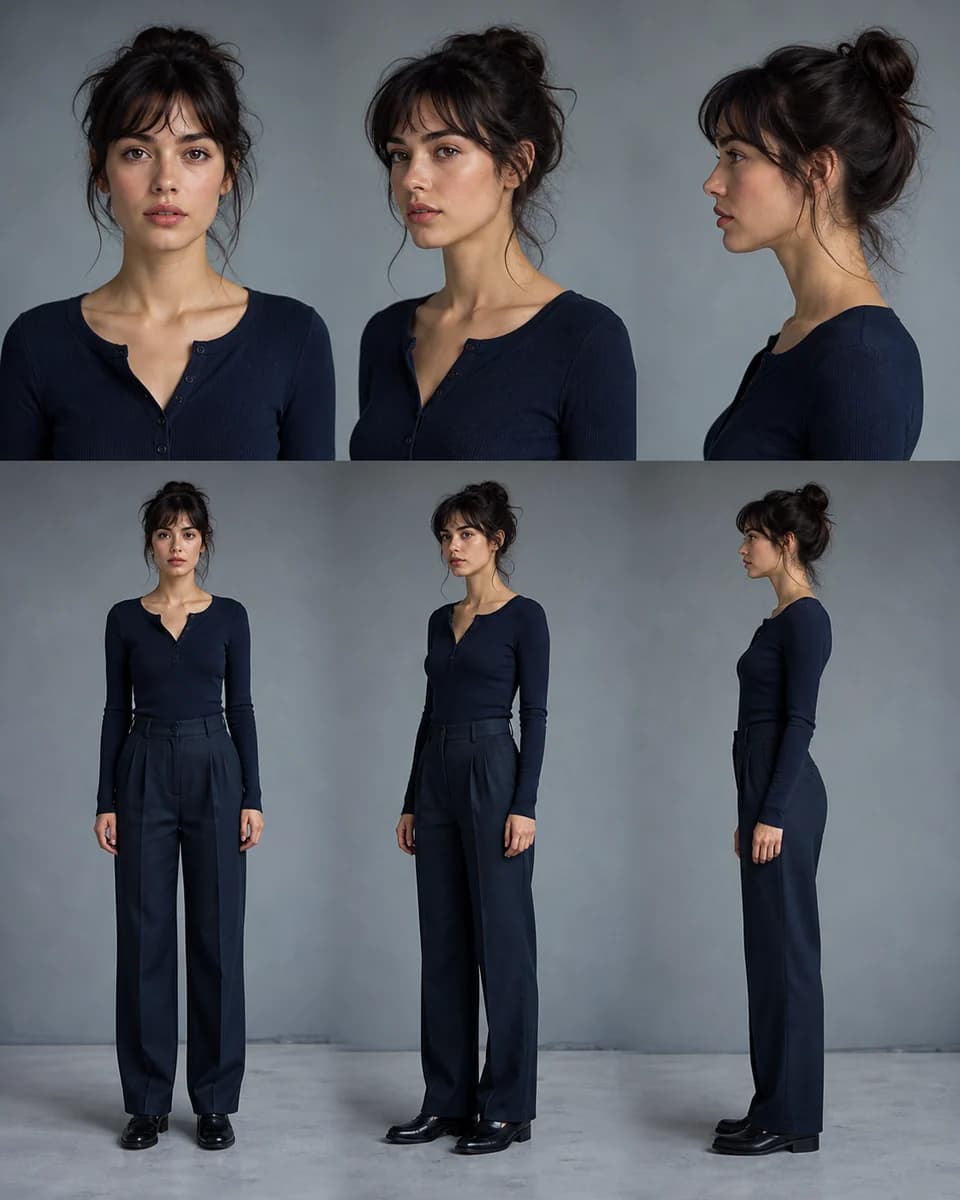
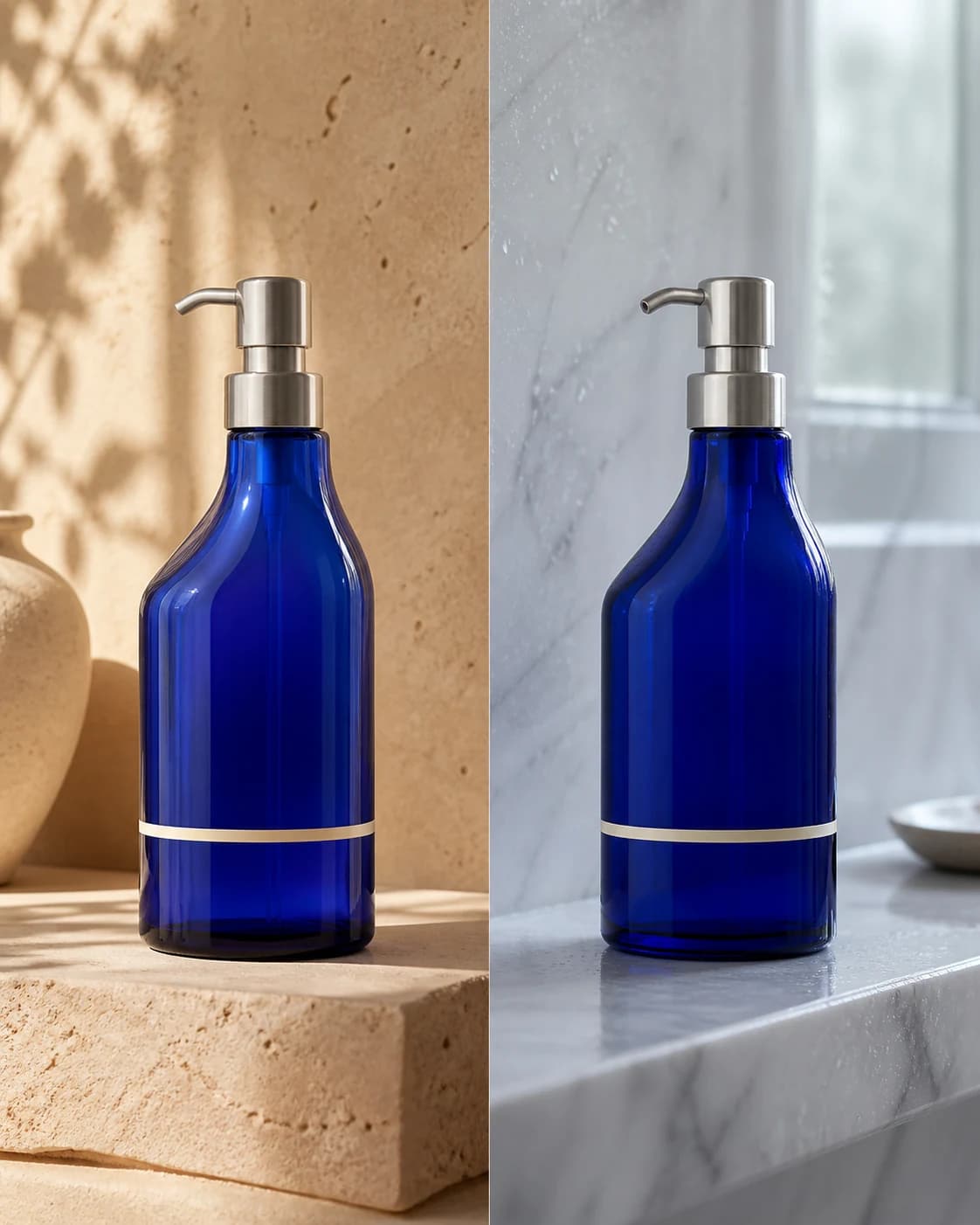
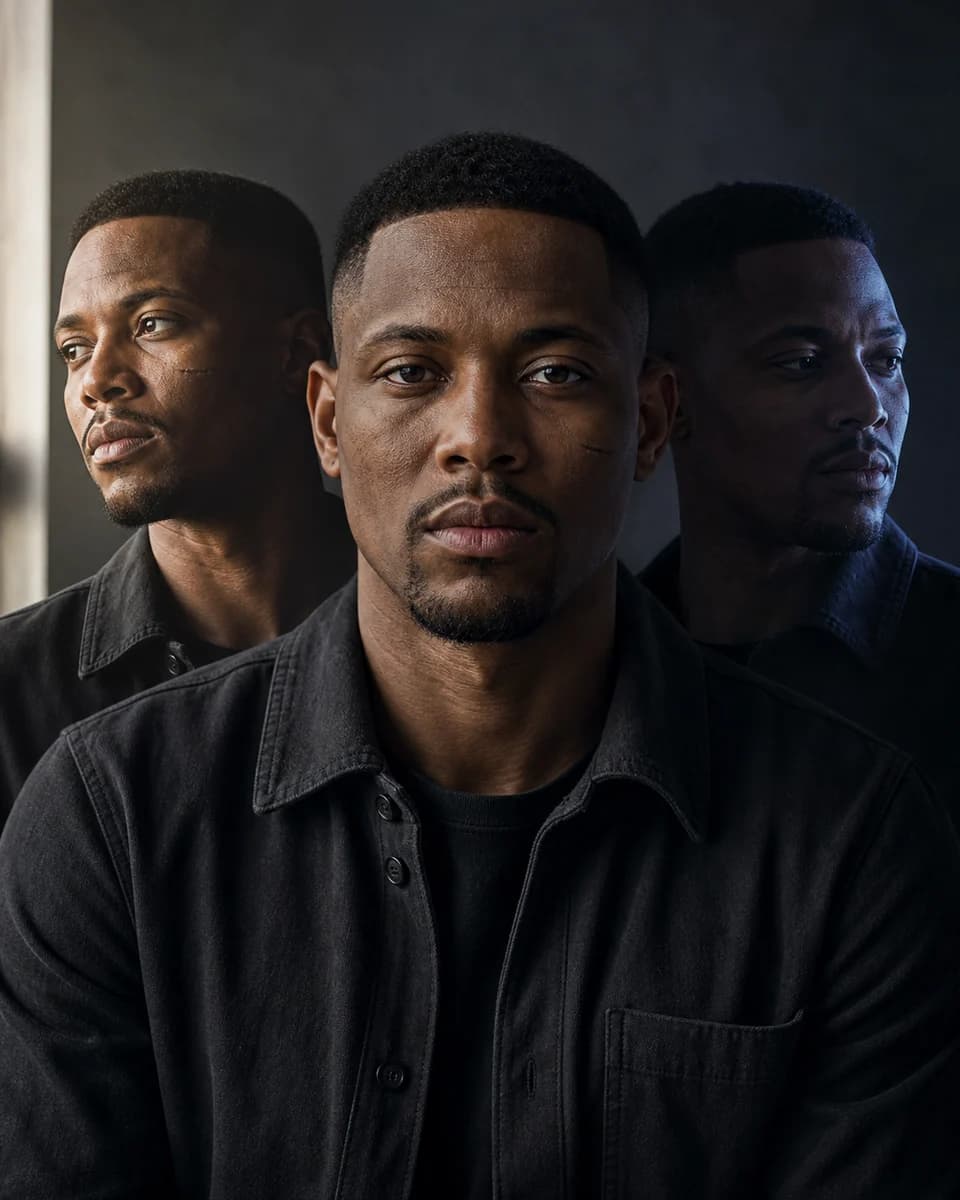
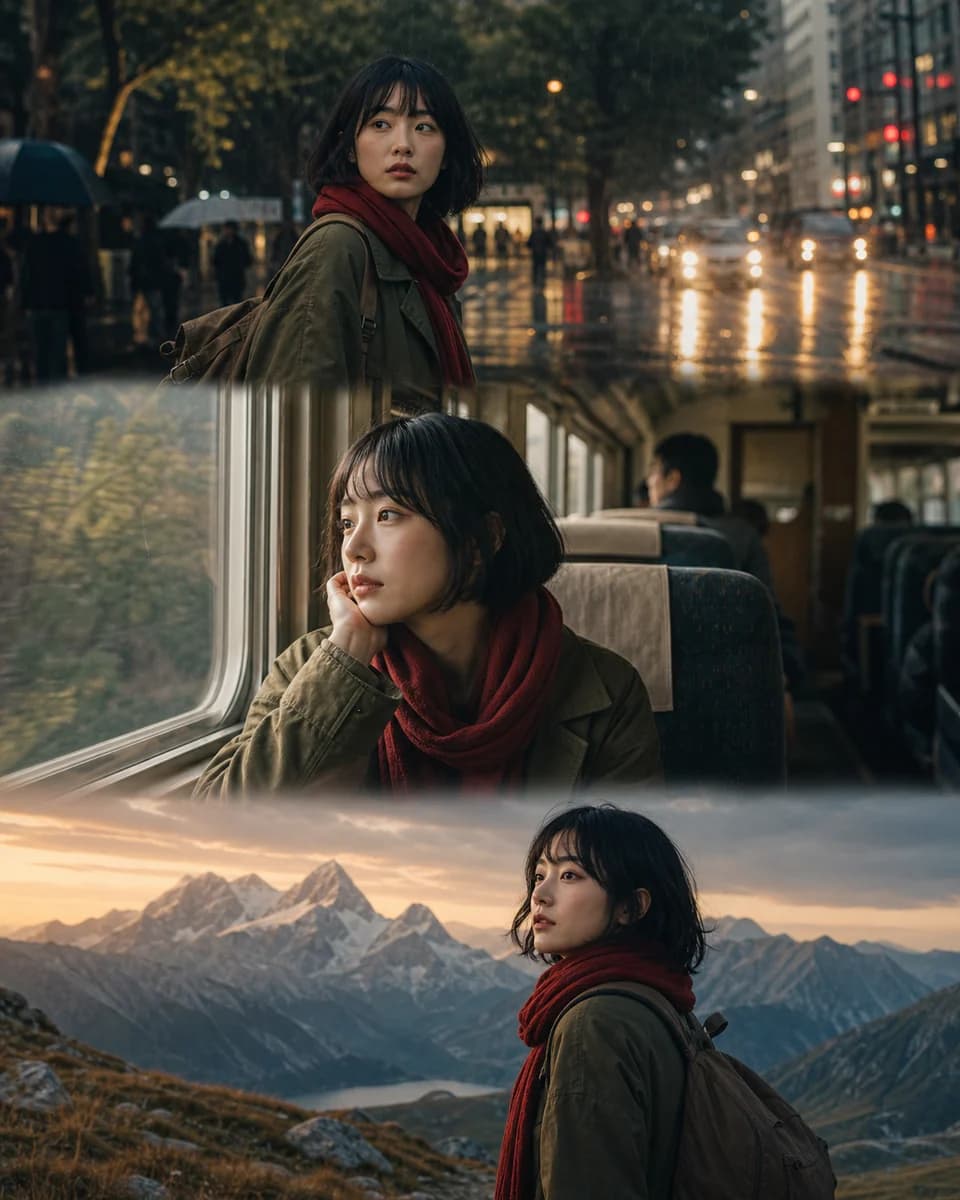
AI Character Consistency Across Every Scene

CharaSync is an AI image and video tool for fictional characters, product visuals and creative work with authorized references. Keep the same recognizable subject across new poses, outfits and scenes.

Use only references you own or have permission to use. Non-consensual intimate imagery, sexually explicit content and deceptive impersonation are prohibited. Read our usage rules

From reference to result

One subject. New possibilities.

Explore actual model test outputs with their reference images and prompts. Look closely at what stays consistent—and what changes.

Updated · All case studies

Same character, different scenes

A fictional reference character at a café and by the sea. Compare her face, hair and outfit across both outputs.

Reference sheet showing the same fictional woman with short auburn hair
Reference
Generated photograph of the woman holding a coffee cup at an outdoor café
At the café
Generated photograph of the same woman on a beach
By the sea
View original prompt & test details

gpt-image-2.5-sunburst · 1:1 · 2k · medium

Create one natural waist-up photograph of the woman in the reference at an outdoor Paris cafe, holding a small white coffee cup. The reference sheet shows multiple views of ONE fictional woman. Preserve her face, freckles, short auburn bob, tan jacket and black top. Soft morning daylight, relaxed expression, cafe tables softly visible behind her. Exactly one person in a single continuous photograph, no collage, no panels, no text.

Test record: task_01M47AT45DESTNDTP5GRKK97EG

gpt-image-2.5-sunburst · 1:1 · 2k · medium

Create one natural waist-up photograph of the woman in the reference standing on a sandy beach beside the ocean. The reference sheet shows multiple views of ONE fictional woman. Preserve her face, freckles, short auburn bob, tan jacket and black top. Soft overcast daylight, gentle breeze moving her hair, relaxed expression. Exactly one person in a single continuous photograph, no collage, no panels, no text.

Test record: task_01M47AV8B82ATDKQ1GV8WW131X

Read the method, result and limitations →

Change the backdrop, keep the product

A white mug, its blue SYNC lettering, and a new green background. Compare the shape, handle and printed text.

Generated white SYNC mug on a yellow background, used as reference
Reference
Generated white SYNC mug on a light green background
New background
View original prompt & test details

gpt-image-2.5-sunburst · 1:1 · 1k · low

保留参考图中茶杯的形状、颜色和蓝色文字 "SYNC",只把黄色背景换成浅绿色,保持相同构图。

Test record: task_01M44R4E8HTSZ8PVCRH909ADEF

Read the method, result and limitations →

Turn a still into a moment

The café image becomes a short motion study. Watch the face, cup and hand as the subject moves.

Café photograph used as the reference for the video
Reference
In motion
View original prompt & test details

doubao-seedance-2.0 · 1:1 · 720p · 5s

Animate the woman in the reference photo sitting at the outdoor cafe. She gently lifts the white coffee cup a little and smiles naturally. Keep the same face, freckles, auburn bob, tan jacket and black top throughout. Subtle hair movement in a light breeze. Locked camera, one continuous shot, no cuts, no additional people, no text.

Test record: task_01M47AWBKQZN49Z30FQYY1BABR

Read the method, result and limitations →

These are recorded API tests using the models available in CharaSync, not customer testimonials. Generation is variable; using the same prompt does not guarantee the same result.

Prefills the prompt and reference. Nothing is generated until you click Generate.

Character consistency in practice

Same character, different scenes

AI character consistency keeps a character recognizable as the pose, outfit, or setting changes. Use an approved reference to guide each new image or video.

  1. Save a reference

    Add useful views of your character and give the reference a name.

  2. Create a new scene

    Call the saved reference in your prompt. Describe what changes, such as the setting or outfit.

  3. Check the result

    Compare the face and defining details before reusing the image or making a video.

Read the full 6-step guide
  • GPT Image 2.5 · up to 4K
  • Seedance 2.0 · up to 1080p / 15s
  • Up to 4 reference images

Pricing

Choose the plan that works best for you

Free

$0

Try CharaSync with one-time starter credits


  • 50 credits to start (one-time)
  • AI image generation (GPT Image 2.5)
  • Character & object library
  • Generation history
  • One-time credits, no monthly refresh
  • Community support only
  • No early access to new models
Popular

Pro

$19.9/mo

For creators who generate regularly


  • 3,000 credits / month
  • AI image & video generation
  • Character & object library for consistency
  • Reference-image guided generation
  • Email support
  • No early access to new models
  • No priority support

Max

$39.9/mo

For power users and studios


  • 9,000 credits / month
  • Everything in Pro
  • 4K & 1080p HD generation
  • More credits for frequent generation
  • Priority support
  • Early access to new models
    Credit Packages
    Purchase additional credits to use our services
    Credit Pack
    1,000
    $9.9
    1,000 credits. One-time payment. Never expires. No subscription required.

    FAQ

    Frequently Asked Questions

    Is there a free plan?

    Yes — every new account gets 50 free credits to try image generation. No credit card required.

    How do I cancel my subscription?

    You can cancel your subscription by visiting the billing page.

    Can I change my plan?

    Yes, you can change your plan at any time by visiting the billing page.

    What happens if a generation fails?

    If a generation genuinely fails, the credits are automatically refunded to your account.

    Can't find what you're looking for?

    Please contact our customer support team at [email protected]

    Which reference images work best?

    Choose clear, well-lit images of the same subject. Keep faces unobstructed and product details visible. Put your main reference first and avoid mixing different people unless you want them together. Use only images you have permission to upload.

    Will the character look exactly the same every time?

    References help preserve identity, but results can still vary. Large changes in pose, lighting, clothing or camera angle can affect facial details. Describe what must stay the same and what should change, then review each result before using it.

    Can I close the page while a generation is running?

    Yes. Once your request is accepted and a task is created, processing continues on the backend. Return to Generation History to check its status and saved output. If the provider or file transfer is delayed, recovery can take longer; keeping the tab open is not required.

    Where are my images stored, and can I delete them?

    Saved outputs remain in Generation History until you delete the generation or close your account. Manage reference assets in your library. Files still used by another asset or generation are retained until those references are removed. Anyone with a media URL may be able to view that file. Third-party AI providers have their own retention policies.

    Can I use the results commercially?

    Commercial use is subject to our Terms of Service, the model provider’s terms and the rights attached to your inputs. Make sure you have permission to use any people, brands or protected content. Outputs may not be unique; CharaSync does not guarantee exclusive rights or that every result is suitable for commercial use.

    We use necessary cookies to run CharaSync. With your consent, we also use analytics cookies to improve the product. Cookie Policy